Mixing vocals in the browser: where the targets come from
How far below the music should a vocal sit? A −2.2 LU target from 144 real stem recordings, four bugs our test bench caught, and what auto-tune costs.
By the MuziAI team. The numbers come from measurements we ran ourselves while building MuziAI; drafts were written with AI assistance, and every figure was checked against our measurement logs. Updated October 13, 2026.
An auto-mix tool has to answer with numbers: how loud the voice sits against the music, which bands EQ should touch, whether to pull pitch onto the note. Where should those targets come from? Short version: MuziAI's vocal-to-music target was measured on 144 recordings with real stems, where the median vocal sits 2.2 LU below the music, not on songs the site generated itself. Our test bench caught four bugs that left the headline numbers looking perfectly reasonable. And auto-tune, measured with two independent meters, has a real cost in vocal clarity, so it is off by default.
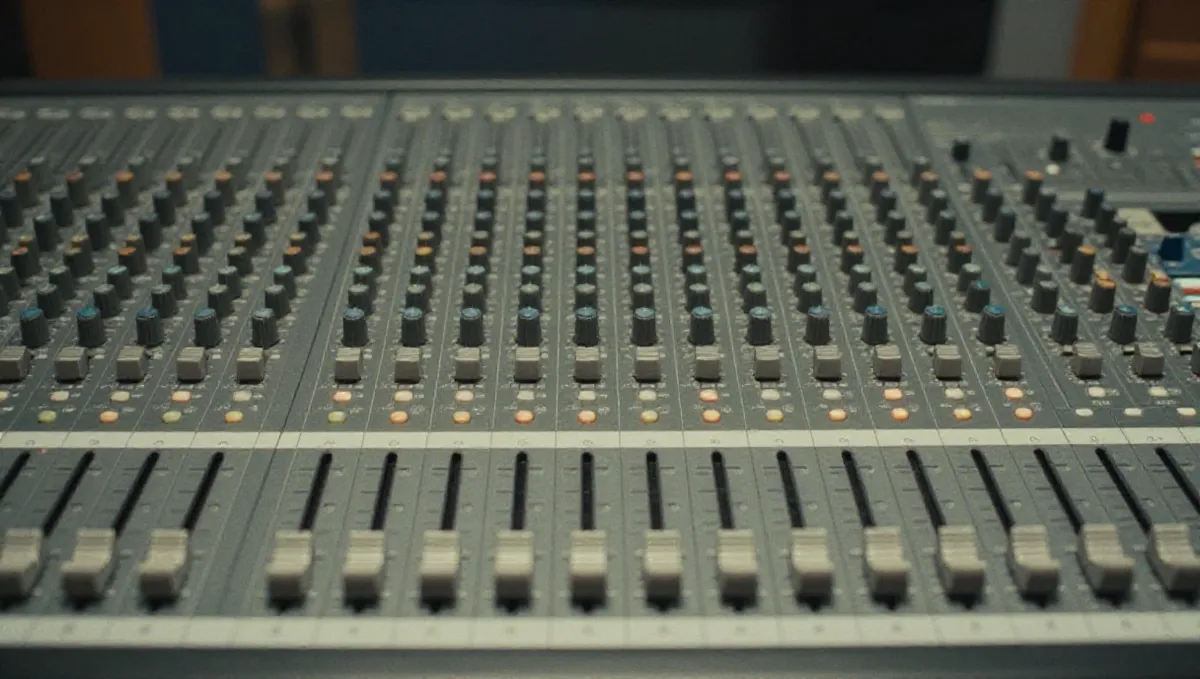
Why not take the targets from our own songs
The easy route would be to measure the beat and vocal pairs already sitting on the server. There are 57 of them, but every one is an AI song generated by the site. Recordings that users upload for separation are deleted after 24 hours, so the number of human-mixed pairs left is zero. Measuring those 57 would tell us how the AI mixes, not how people mix.
So we used a public dataset of multitrack recordings with separated stems: 144 songs, each a 7-second preview, where vocals and accompaniment are genuinely separate recorded tracks rather than the output of a separator.
The target numbers, and which one the page uses
| Quantity | Value | Source |
|---|---|---|
| Vocal relative to music, median | −2.2 LU | 144 real-stem songs |
| Interquartile range (q1-q3) | −4.3 to −1.0 LU | 144 real-stem songs |
| Same measurement, second independent meter | −2.25 LU | 144 real-stem songs |
| AI songs from the site | +1.9 LU | site songs |
| One real Vietnamese song | +2.3 LU | 1 song |
| Page default | +2 LU, slider ±4, marker at −2.2 | our decision |
| Reverb width, side relative to mid | −11.8 dB | median vocal of the 144 songs |
| Output loudness | −14 LUFS | master target |
Two independent meters agree (−2.2 and −2.25), so the median is solid. But it describes a Western dataset that is mostly rock. The site's AI songs put the vocal above the music by 1.9 LU, and the one real Vietnamese song we measured came out at +2.3 LU. That is why the page defaults to +2, with a ±4 slider and a marker at −2.2 so you can see where the other convention lies. The page also says plainly that our Vietnamese sample is a single song.
EQ follows the same thinking. For each octave band, the q1-q3 range across the 144 songs is 4-5 dB wide. The tool only corrects bands that fall outside that range, and only pulls them to the edge, never to the median: forcing every voice to the median is colouring, and it erases what makes a voice distinct. Reverb is tuned until the side-to-mid ratio reaches −11.8 dB. In beat-only mode the tool deliberately does no automatic EQ, because beats differ by genre. To shape a beat's tone, give it a reference track: the octave spectrum is matched 70% per pass, two passes, clamped to ±4 dB, and loudness is not copied (it stays at −14 LUFS).
Four bugs the test bench caught, all with plausible numbers
The tool's loudness and true-peak meter matches a standard reference tool on 10 out of 10 files, within 0.05. A 42-case check on 21 songs with deliberately damaged vocals passes 42/42. Yet before launch, the bench caught four bugs that nobody would have spotted from the main results table:
- The limiter let a spike through in the first 5 ms, at +15.3 dBFS. The virtual region before the first sample was treated as 1, which pulled the moving average up. The master loop kept lowering the ceiling and then adding gain back, ending at −20 LUFS and +1.2 dBTP.
- The compressor crushed the vocal by about 30 dB, then make-up gain added +46 dB. In a recording with continuous background noise, “noise floor + 12 dB” sat above the singing itself, so no frame counted as voiced and the threshold fell to −120. The output still hit −14 LUFS with the correct vocal-to-music ratio. Only a check asking whether the make-up gain roughly equals the damage done exposed it. The threshold is now never lower than the peak minus 10 dB.
- The percentile function sorted 10 million numbers on every call, and the octave spectrum filtered the whole song four times. With sparse percentiles, analysis on 10 segments of 3 seconds, and a single filtering pass over the song, processing dropped from 30 seconds to 9.5.
- The clock returned negative time (−50 seconds) on the test machine. It now uses the browser's monotonic clock.
The lesson from bug 2: a bench that only asks whether the output has the right loudness will pass a compressor that wrecks the vocal, because the master stage hides it. After the fixes, a four-minute song with backing vocals processes in 11.8 seconds in the browser.
Auto-tune: two meters and the real cost
The tool's auto-tune tracks pitch in 10 ms frames and shifts each vocal cycle toward the target note. The “light” setting moves the centre of each note within ±70 ms and keeps vibrato; “strong” forces every frame. We measured it with our own meter and with an independent phonetics tool, on a synthetic voice with known answers and on a real voice pushed +30 cents off:
| Case | Pitch error, site meter (cents) | Pitch error, independent meter (cents) | Jitter (%) | HNR (dB) |
|---|---|---|---|---|
| Synthetic voice, 20-45 cents off | 31.7 | 34.0 | 0.13 | 39.2 |
| → after light (vibrato 9.3 → 8.0) | 5.0 | 9.2 | 0.71 | 28.4 |
| → after strong (vibrato down to 2.9) | 1.1 | 2.8 | 0.69 | 28.0 |
| Real voice, pushed +30 cents | not measured | 30.6 (original 11.0) | 1.00 | 17.9 |
| → after light | 10 (from 32) | 12.3 | 1.19 | 17.4 |
| → after strong | 5 | 6.5 | 1.24 | 17.1 |
Auto-tune does its job: the real voice goes from about 30 cents off to about 12 on the independent meter. The last two columns are the price. Jitter (cycle-to-cycle variation in the length of each vibration, heard as roughness) rises by about 0.2 percentage points, and HNR (harmonics-to-noise ratio, higher means cleaner) drops by 0.5 to 0.8 dB. That is why auto-tune is off by default, and the page says why.
The auto-tune bench caught two more bugs with one very simple case: if nothing needs correcting, the output must equal the input. Synthesis marks were not anchored to analysis marks on entering a voiced region, and the synthesis step used the estimated pitch period instead of the real distance between marks, so errors accumulated and whole passages drifted out of phase. Before the fix, the match between output and input (SNR) was only −2.6 dB; after it, 150 dB, an exact match. Every pitch-accuracy case had passed from the start; only the identity case exposed these bugs.
Limits and open questions
- Our Vietnamese sample with stems is one song (+2.3 LU). The +2 default rests on that song plus the site's AI songs, not on a large measurement.
- The 144-song dataset consists of 7-second previews and is mostly rock. It is a good guide to the vocal-to-music balance, not a stand-in for every genre.
- Auto-tune was tested on a synthetic voice and one real voice; yours may pay a different price.
- In T-Pain mode, note accuracy is graded against the measured ideal ceiling (89%), and the product reaches 87%; there is no hand-picked 90% threshold.
- AI vocals are already on pitch (8-9 cents), so light auto-tune barely changes anything on an AI song.
What this means when you make a song
- Start from the +2 default. For a Western pop or rock balance, slide toward the −2.2 marker; to stay close to the real Vietnamese song we measured (+2.3), keep it around +2.
- Compare before and after at the same −14 LUFS loudness. The louder version tends to sound “better”, so comparing at different levels fools you.
- For AI-generated songs, leave auto-tune off. The vocal is already in tune, and switching it on only costs clarity.
- For your own recording with pitch problems, try light first and listen closely to the long notes. If you hear roughness, that is the jitter cost measured above.
- If you want a beat to carry the colour of a particular song, give that song as a reference instead of expecting automatic beat EQ.
- No song to mix yet? Make one on the MuziAI home page, then take the vocal and beat into the auto-mix tool.
Try it now on MuziAI
Free, no sign-up required. Share an idea, and our AI lyrics generator writes and sings a complete song.
Create Song