AI Music Samples
59 AI-generated samples from MuziAI, each in a unique style. Listen, view lyrics, chords, and settings, then reuse them for your own song. Create Your Song.
Latest Samples, page 2

Café sous la pluie
La pluie dessine des chemins sur la vitre
Jazz, Sad, 3:55

Bailando en la Arena
La luna llena brilla sobre el mar
Pop, Energetic, 2:33

여름의 친구들
창밖으로 비친 햇살 따라
Pop, Happy, 3:31

서울의 첫눈
차가운 바람이 불어와
Ballad, Romantic, 3:23

終電を逃して
ネオンが滲む 夜の交差点
City Pop, Romantic, 3:36

桜の記憶
春の風が頬を撫でて
Pop, Nostalgic, 3:09

妈妈的饭香
离家那年的秋天
Ballad, Nostalgic, 2:38

霓虹初遇
霓虹灯下我等你
City Pop, Romantic, 3:08
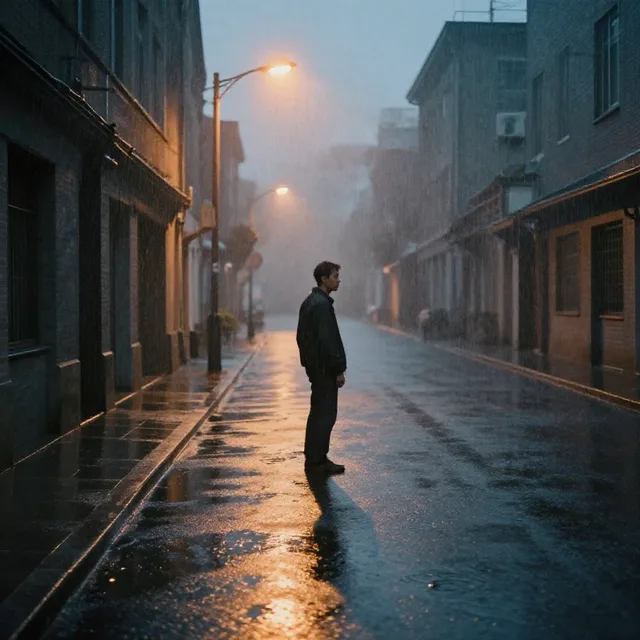
Mưa Làm Lành
Cơn giận vừa qua đi
R&B, Romantic, 2:55

Chợ Quê Sớm Mai
Gà gáy vang trời đông đã hửng sáng
Country, Happy, 2:30
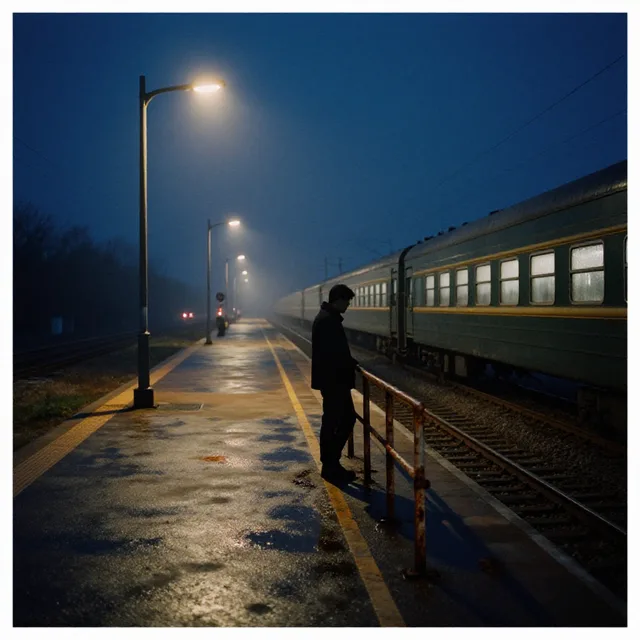
Chuyến Tàu Đêm
Sân ga vắng đèn mờ
Indie, Nostalgic, 2:47

Gửi Bố
Sân nhà mình vẫn đó bóng cây xanh
Acoustic, Nostalgic, 3:28

Cà Phê Sáng
Sáng nay em cười nhẹ bên khung cửa
Pop, Romantic, 2:50
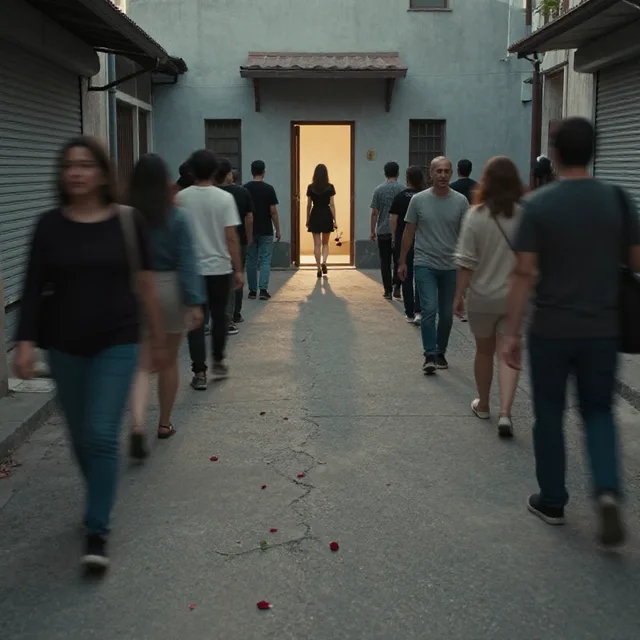
Người Từng Thương
Phố hôm nay đông người qua
Ballad, Lonely, 2:59

Giao Thừa Xa Quê
Phố xa lên đèn đỏ rực
New Year, Lonely, 3:30

Thư gửi mẹ
Biển chiều nay sóng vỗ rì rào
Cinematic, Nostalgic, 4:28

Chiến Binh Bão Lửa
Giữa trời đêm rực cháy
Metal, Powerful, 4:07

Mười Bảy Nổi Loạn
Sáng sớm mẹ gọi con dậy
Rock, Energetic, 4:52

Đứng Dậy Từ Tro Tàn
Bóng đêm phủ kín con đường dài
Rock, Powerful, 4:17
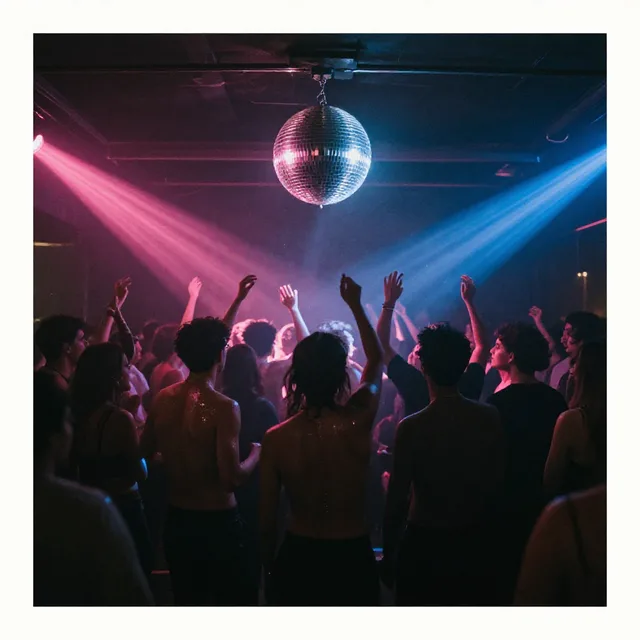
Đêm Thứ Sáu Rộn Ràng
Tiếng đèn màu nhấp nháy trên cao
Funk / Disco, Energetic, 2:34
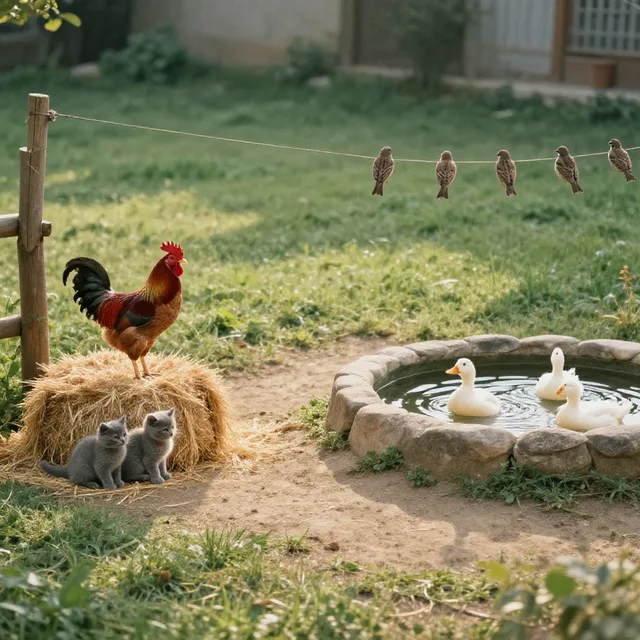
Bé Đếm Cùng Vui
Một chú gà trống gáy vang
Kids, Happy, 1:49

Hò Trên Sông Hương
Sông Hương nước chảy lững lờ
Folk, Peaceful, 4:01

Phòng Trọ Một Mình
Căn phòng nhỏ mười mét vuông
Indie, Lonely, 2:57

Hương Thu Phố Cổ
Bàn đạp quay nhẹ qua từng con ngõ
Acoustic, Peaceful, 2:58
What to listen for in a sample
The library holds 58 samples, all sung by AI. Each one is a small experiment: one set of lyrics, one genre, one mood, one tempo preset. Listening to learn which settings produce which sound teaches you more than listening for pleasure.
First listen: the structure. How many verses are there, when does the chorus arrive, is there a bridge? Many pop songs bring in the chorus within roughly the first minute; if yours makes listeners wait much longer, the lyrics may stack too many verses before it.
Second listen: the voice. Where does the AI sing words clearly, where does it swallow them, which vowels does it hold? Swallowed words usually land on lines with too many syllables for the beat. Third listen: tempo and instruments. All 13 ballad samples sit at 72 BPM, so they are a good place to hear how different lyrics behave at the same speed; compare one with a fast 128 BPM sample such as EDM to hear the gap.
Read the chords and settings under each song
Every song has a “Chords and sheet music” section. The AI composes the melody and chords first and then sings along, so you can use it for guitar backing. It is a draft: the actual vocal drifts off pitch from the sheet in places. The same section shows whether the song is in a major or minor key and its tempo, while “Settings for this sample” lists the genre, mood and voice chosen. Listening to a slow minor-key song while reading those two sections is a quick way to connect the labels to the sound.
Use a sample as your starting point
“Use this style” preloads the sample's settings so you can write new lyrics on the same foundation. “Use full lyrics” loads the lyrics too, so you can swap the voice or genre and hear the difference. A simple routine:
- Find the sample whose atmosphere is closest to what you want, even if the lyrics are completely different.
- Click “Use this style” and replace the lyrics with yours.
- Change one thing at a time (tempo, voice, or one instrument) so you know which change made the difference.
A song takes about 2 to 4 minutes depending on lyric length, so five or six versions in one sitting is realistic.
These are AI voices, not recordings by singers
No singer recorded any of these songs. Two songs with the same voice type are still two different “people”, and the AI can drift off key, swallow words or mispronounce tones in places, especially in Vietnamese. Listening to samples is how you learn those limits in advance. The AI sings Vietnamese, English, Chinese, Japanese, Korean, German, Dutch, Portuguese and Hindi, and making a song is free.
Browse by genre or by mood
The buttons at the top of the library lead to each genre and mood, with the number of songs in each. Start from genre when you already know the sound you want, such as bolero or lo-fi. Start from mood when all you know is the feeling, such as nostalgic or energetic. Each genre page also explains how to write lyrics and choose instruments for that genre.
Try it with a sample
- Open a ballad, click “Use this style”, and replace the lyrics with a song about “Mom mending clothes under the lamp”.
- Take a sad song, click “Use full lyrics”, switch to acoustic with a female voice, and hear how the same words change color.
- Download a song and use stem separation to pull out the beat for karaoke.
Or start from a blank page: create a song.